


Main Menu
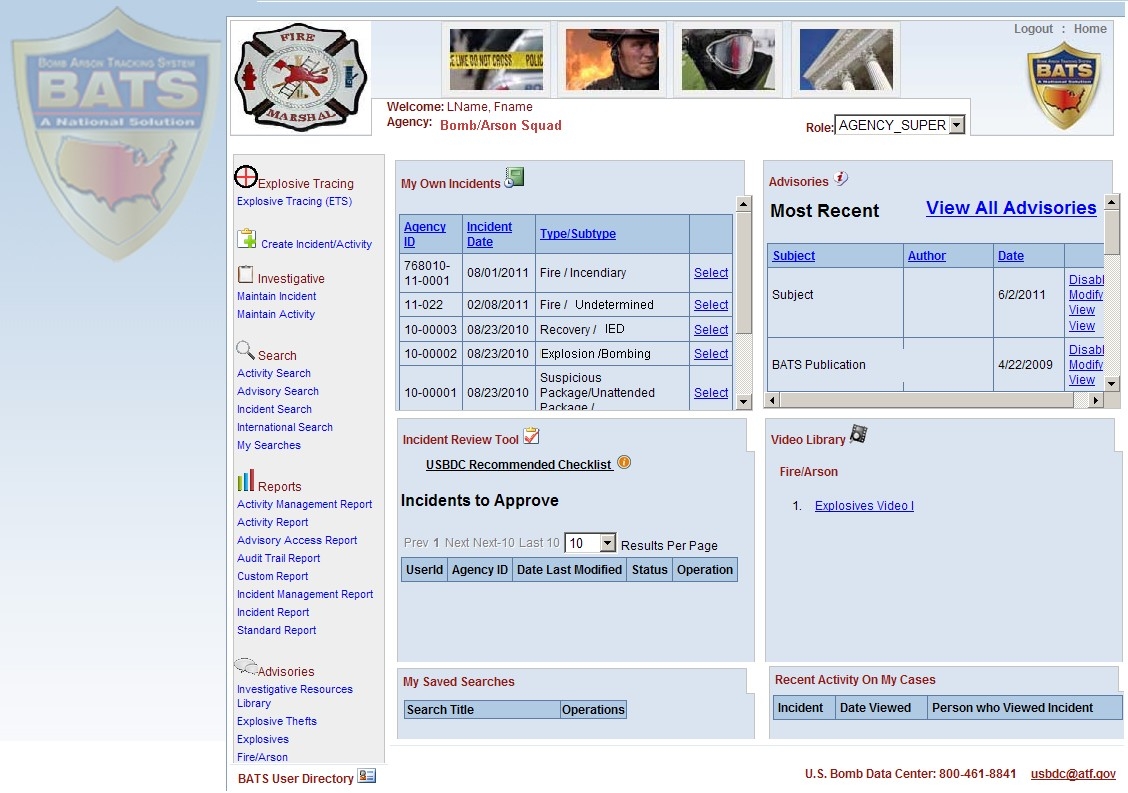
The Main Menu has different options based on user profile. For example, an agency user can create, maintain, modify or search incidents and activities, and can create incident and activity reports. Users can also view the latest advisories as well as access the Investigative Resource Library.
Short Form
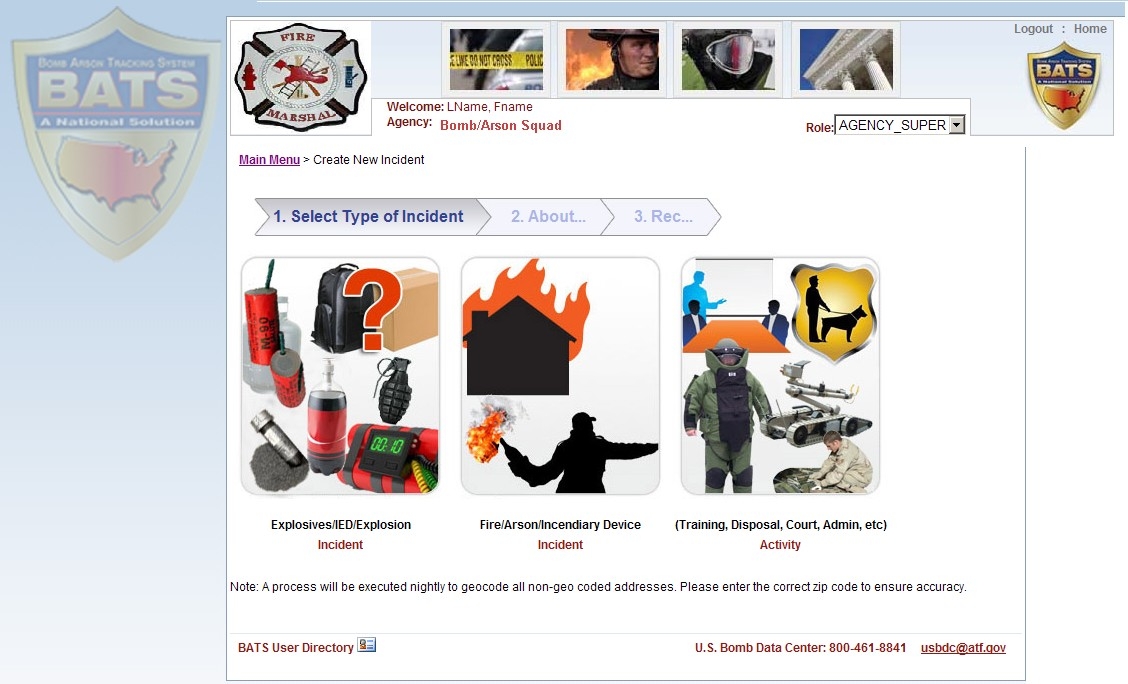
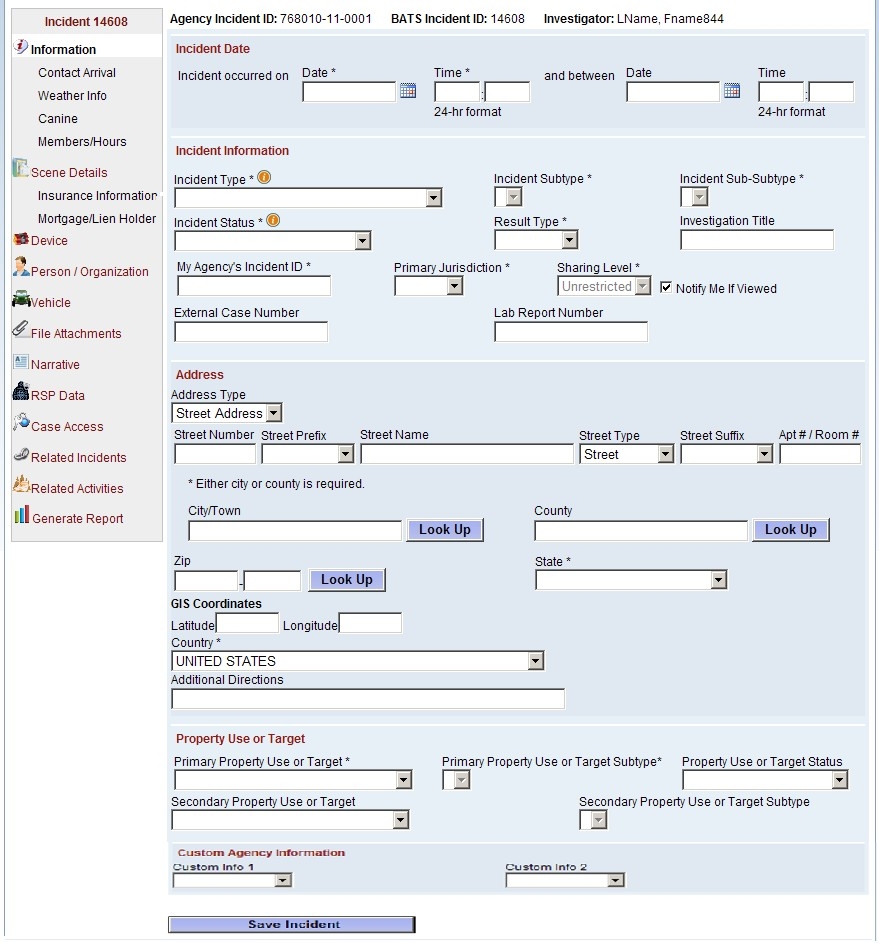
With BATS, you can create incidents on either the Standard Form or the Short Form. The one-page Short Form contains the most critical incident fields. It provides you a quick method to enter your arson and explosives incidents. Incidents you create with the Short form can be later accessed via the standard form where you can add additional details.
Device Search
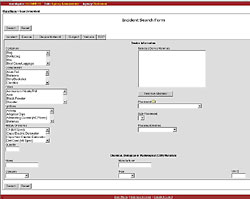
This real-time function allows a user to search nationwide for similar devices based on device components and other incident details. This reduces time spent researching old case files. Since the information is entered once, it eliminates redundancy.
Subject Search
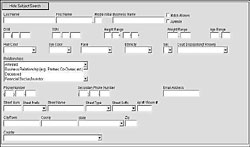
This real-time function allows a user to search nationwide to identify potential suspects.
Search Match
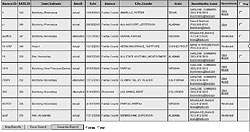
Outside agencies only see contact information for the case investigator. Each user decides what to share with other agencies. This feature is ideal for multi-jurisdictional Investigations.
Incident Reports
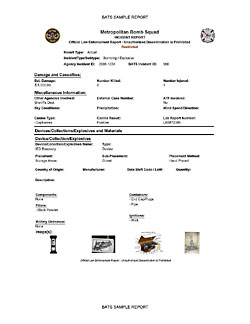
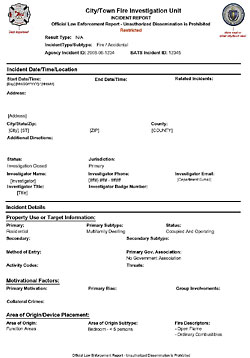
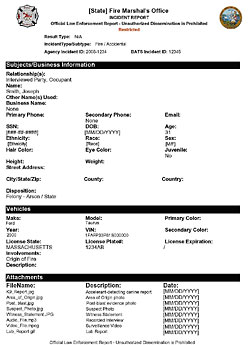
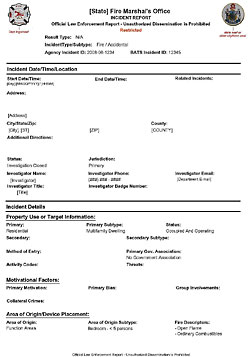
Incident reports can be used to document origin & cause, statements/interviews, and other investigative activity using standardized terminology. Reports are customized using your agency's seal/header. Reports can be accessed anytime by your department and are ready to submit to the file, supervisors, court, etc.
Sample Incident Report #1
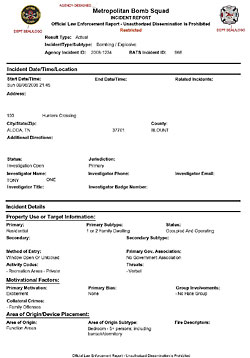
Sample Incident Report #2
Sample Incident Report #3
Smart Phones & Tablets
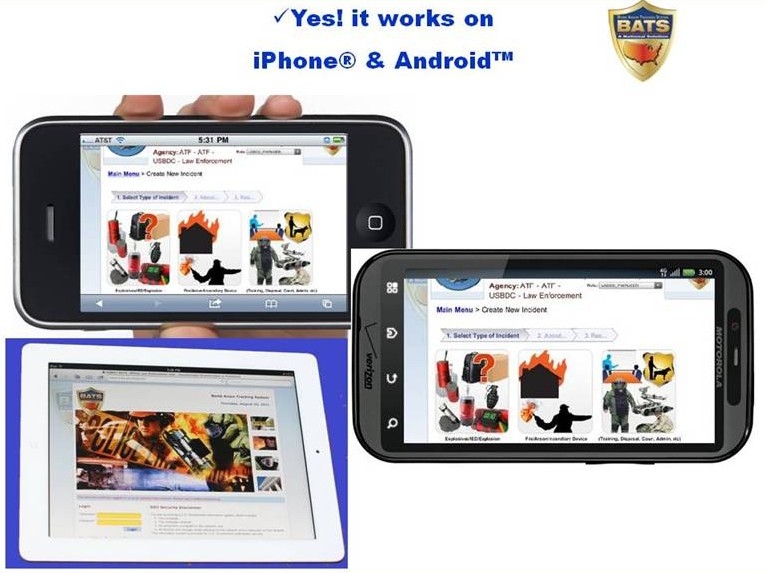
BATS is a web-based application and can be used on your favorite smartphone or tablet devices. **Note: All wireless use of BATS must be in compliance with the BATS user's agreement.
GIS Mapping
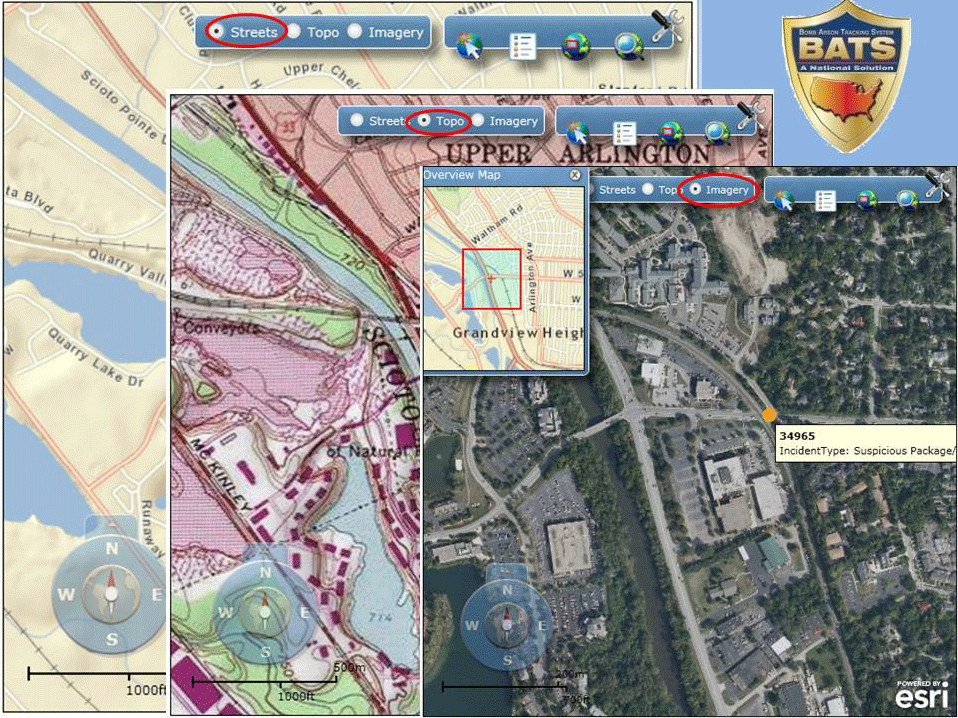
This feature allows users to map and display their incidents.
- Identify "hot spots" or patterns (ideal for identifying a community's arson problem)
- Assist an agency with planning & proactive measures
- Supplement budget and/or grant requests
- Supplement meetings with municipal leaders
Compliance Review
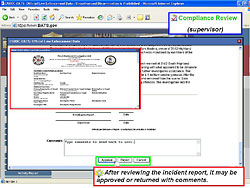
"Compliance Review" is an optional feature to assist unit managers with reviewing BATS entries by unit members.
-
Start the Process
If your agency already has a BATS account, apply for a NEW BATS user account.
If your agency does not have a BATS account, apply for a NEW BATS agency and user account.
Help Desk
Please contact the ATF Help Desk at 877-875-3723 or helpdesk-ostc@atf.gov for all password issues, account updates, system outages, system errors/defects/problems, and security issues.
Contact the U.S. Bomb Data Center (USBDC)
Please contact the USBDC at 256-261-7580 or USBDC@atf.gov for all inquiries related to BATS training/promotion, request for information, investigative support, theft or loss of explosives and explosives tracing.
